USB Flash Tool - HOW TO Update ICON-PRO and Wireless Wiegand
USB Flash Tool for ICON-PRO and Wireless-Wiegand Controllers
* Firmware updates for ICON-PRO are not optional — every new install must be updated, pre-configured, and tested on the bench before going onsite.*
No time to read? - Watch the video.
Use for firmware 1.202 and below or if other methods fail.
Use for firmware 1.202 and below or if other methods fail.
Requirements:
- Windows 10/11 with admin rights
Software download
- ICON-PRO
- Wireless-Wiegand: special request to [email protected]
Key Features of the Update Utility:
- Offline USB updates: The utility downloads latest firmware when online, then you can update offline via USB.
Step-by-Step Instructions for Updating the ICON-PRO Controller
1. Download
2. Unpack to any folder on your PC.
3. Run LumiringIconFlashTool.exe as Administrator (internet required).
An active internet connection is required at this stage to fetch the latest firmware versions.
An active internet connection is required at this stage to fetch the latest firmware versions.
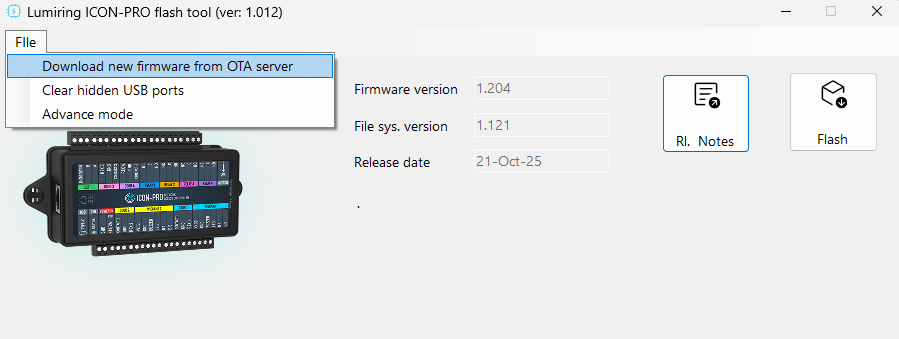
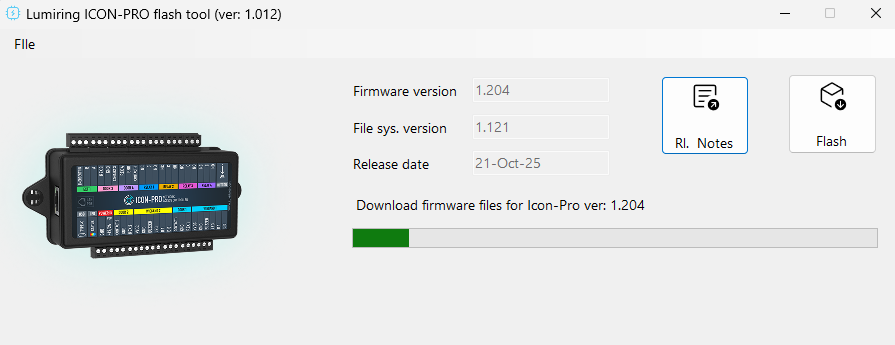
4. Go to File → Download New Firmware from OTA Server.
5. Connect your device using a USB cable.
- Important:
- Disconnect all external power.
- Disconnect all Wiegand readers.
- Disconnect all locks.
- Use only the USB cable for the update.
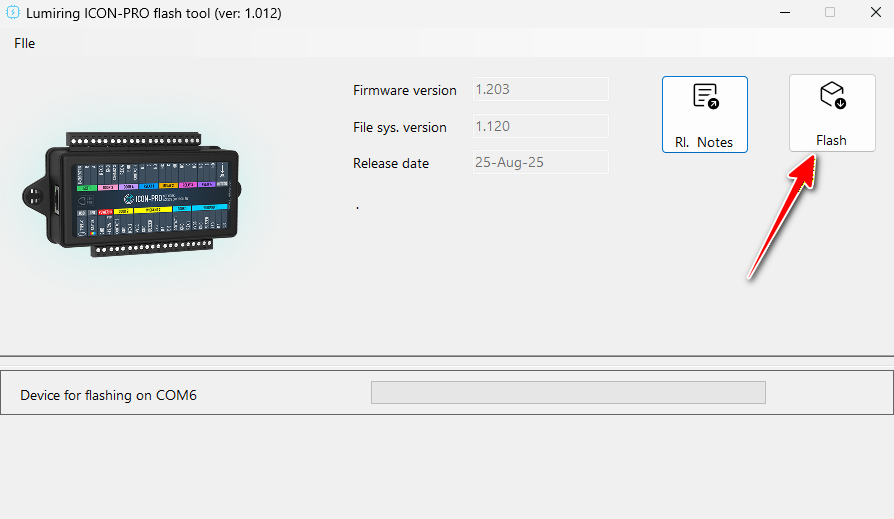
6. Click FLASH and monitor progress.
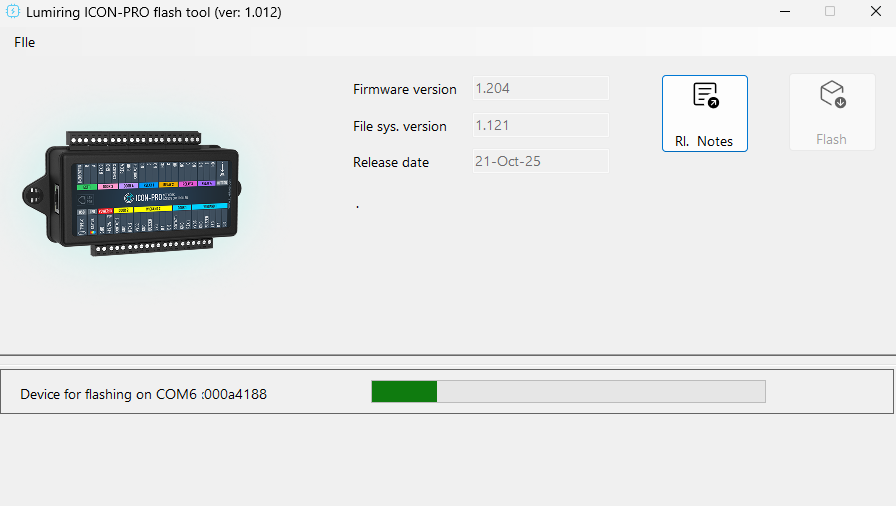
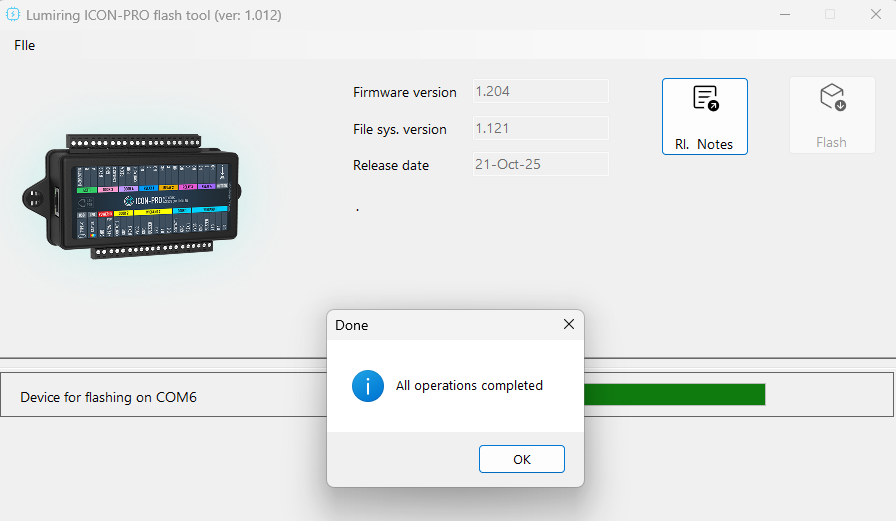
- After update, power-cycle the device.
- User data stays intact unless Full Reset was selected.
Wireless-Wiegand Devices use a separate but similar tool.
Follow the same steps as for ICON-PRO.
For help, contact
[email protected]
Related Articles
ICON-PRO Firmware Update Guide
* Firmware updates are not optional — every new install must be updated, pre-configured, and tested on the bench before going onsite.* Option 1: USB Flash Tool (for firmware < 1.203) Link to the USB Flash Tool instructions. Only Firmware ≥ 2.203 is ...What is Wireless Wiegand for?
Introduction The Wireless Wiegand kit is an innovative solution designed to streamline communication between access control systems and their peripheral devices via radio transmission, using wireless radio technology specifically engineered for ...How does the Wireless Wiegand work?
Introduction Wireless Wiegand (WW) transmits Wiegand data wirelessly, eliminating the need for physical cables between access control readers and controllers. It simplifies installations, lowers costs, and provides flexibility for locations where ...How to Update Wireless Wiegand (WW) device (master or slave unit)
Current Firmware versions for WW are starting from 3.XXX Connect the device to the internet using Wi-Fi connection. o Log in to the device through your local network: § Login: admin § Password: admin123 o Check the controller’s date and time ...WW hardware (HW) interoperability,Firmware (FW) upgrade. How to bring WW to the latest FW release.
IMPORTANT: Hardware Compatibility and Update Requirement Firmware updates are not optional — every new install must be updated, pre-configured, and tested on the bench before going onsite.* Update to the latest firmware (FW) first. —this is required ...